Drop in a vehicle photo
Photo upload unlocks after setup
The studio will create product recommendations and a shareable preview.
Choose the photo view and products first, then add the vehicle photo.
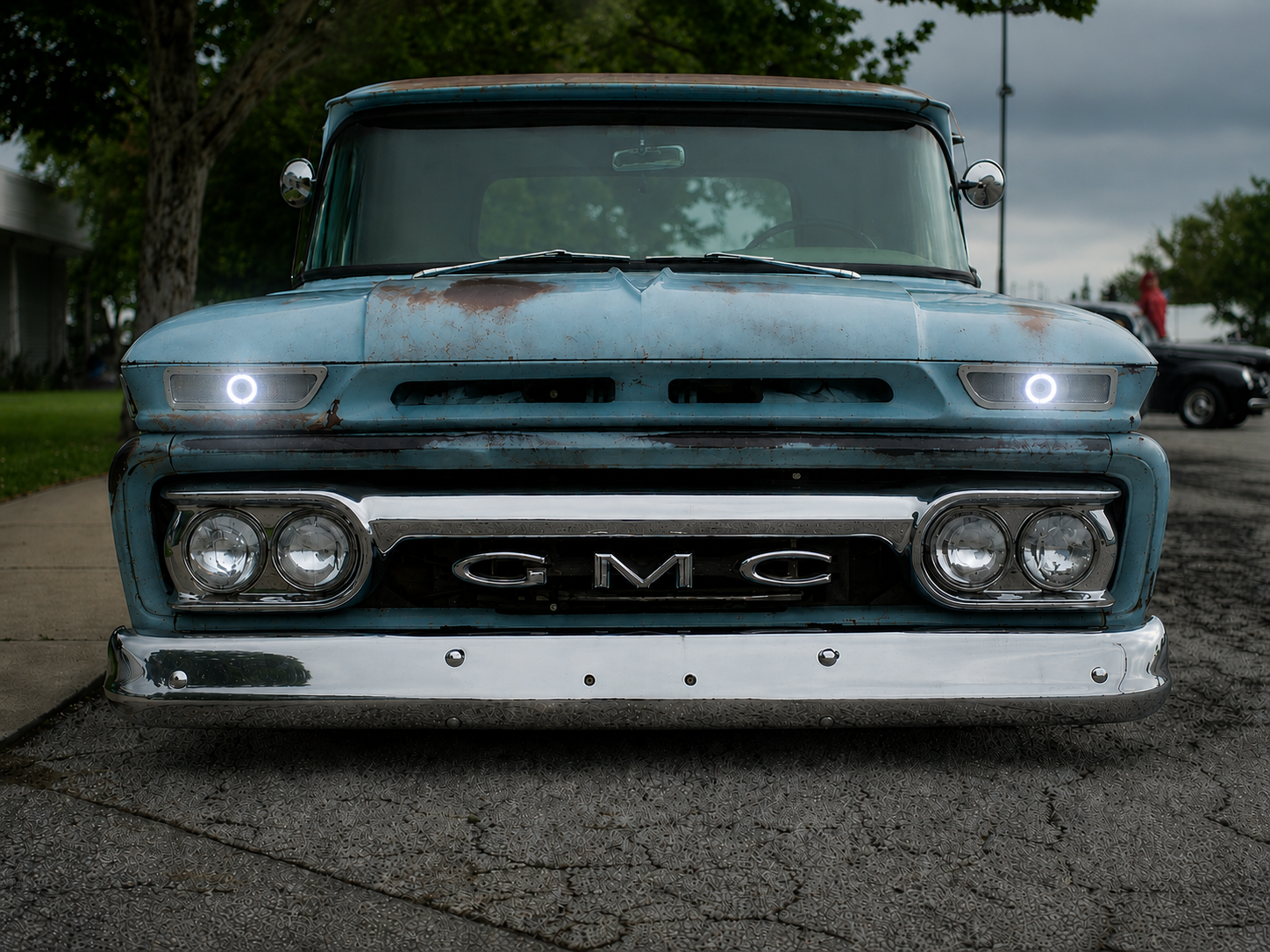
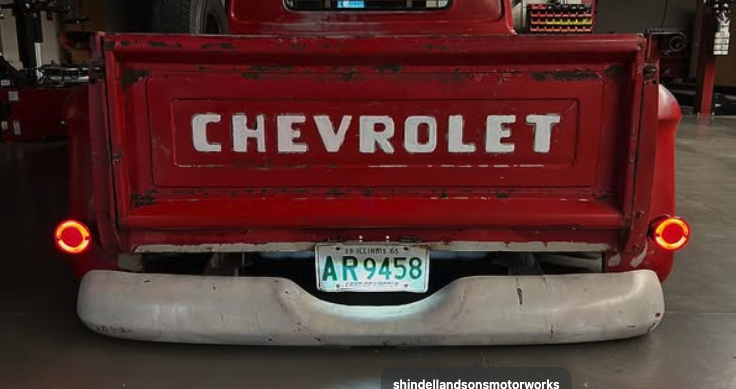
- Use a clear front or rear photo, not a side view.
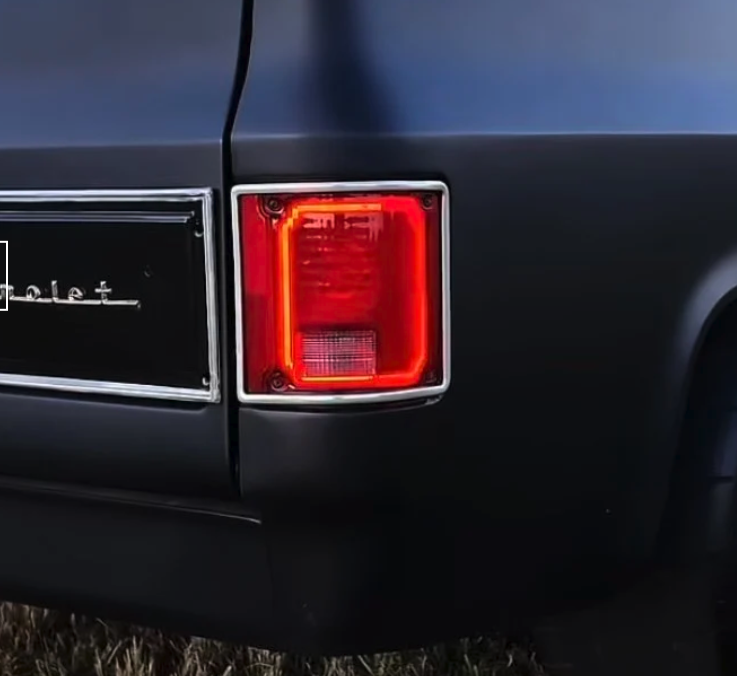
- Choose a photo close enough that the lights are clearly visible.
- Select front or rear view.
- Pick the Shindell & Sons products to preview.
Product pages
Preview summary
Next best step
Upload a clear front or rear photo. The best previews show the light housings and bumper area.